# How can I check if the project locked liquidity?
Learn how investors can search a pair address in the UNCX app and inspect the liquidity lock details associated with that pair.
Source: https://docs.uncx.network/guides/for-investors/liquidity-lockers/how-can-i-check-if-the-project-locked-liquidity/
## Guide
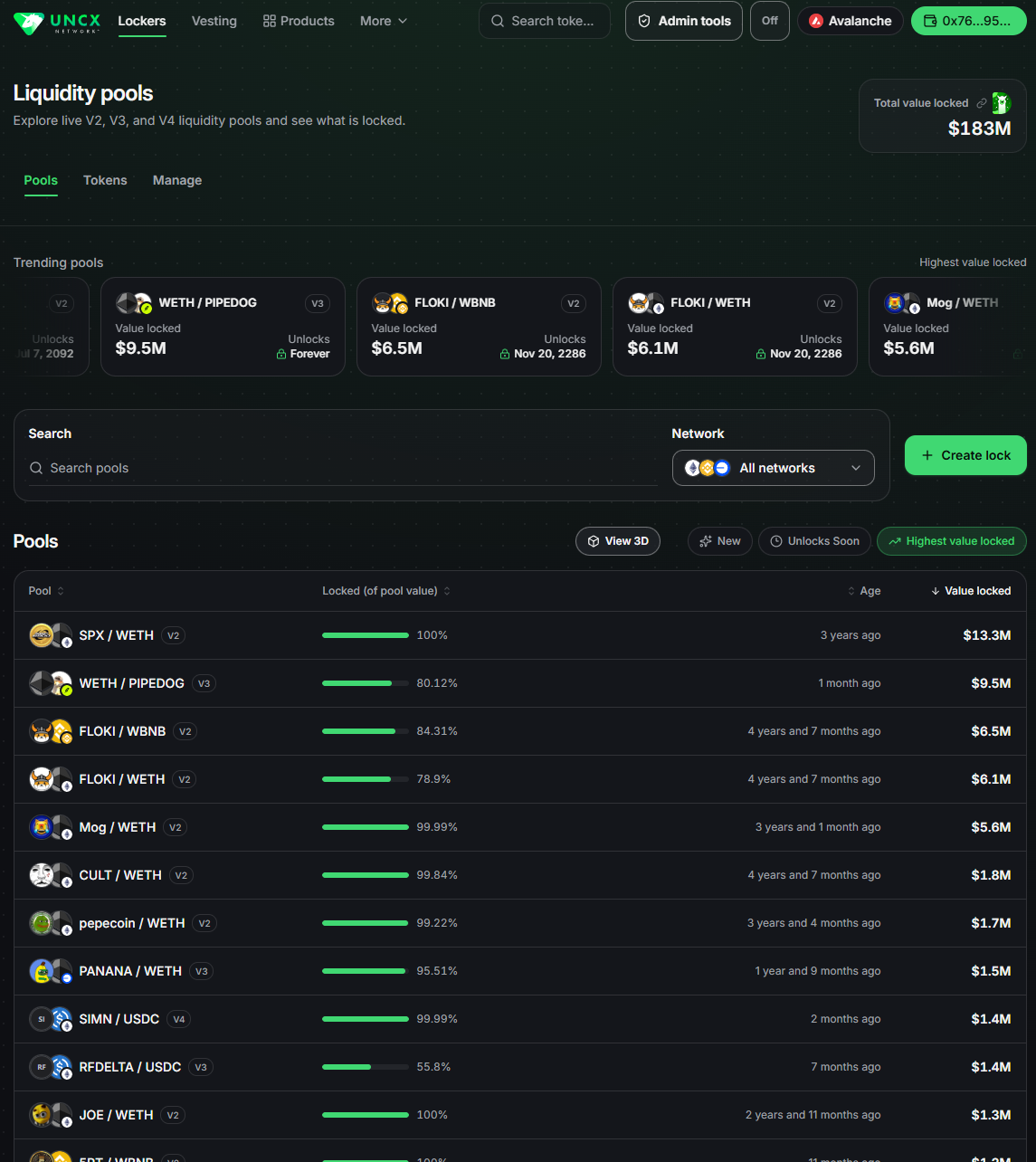
First, from our UI, select the "Explore" tab. Select the search button in the top right corner of the screen.
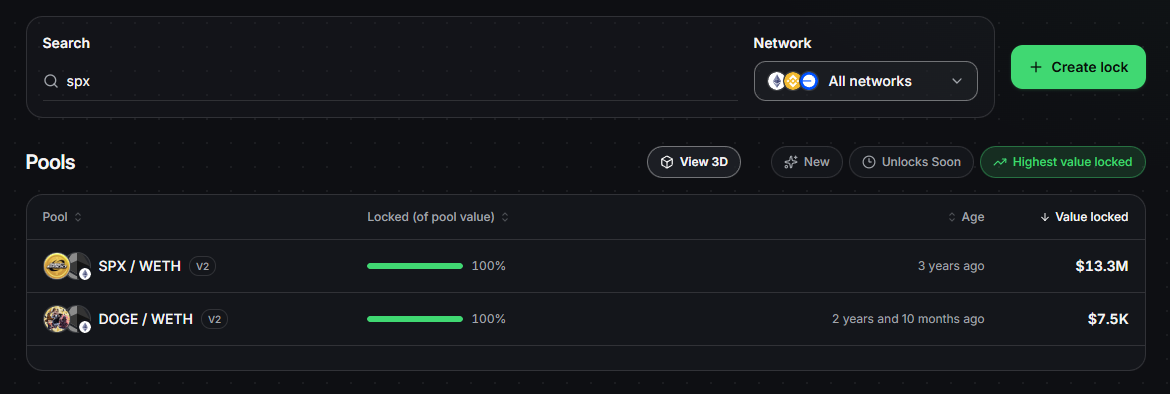
Next step is searching for the pair. Input the pair address into the searchbar and select the result.
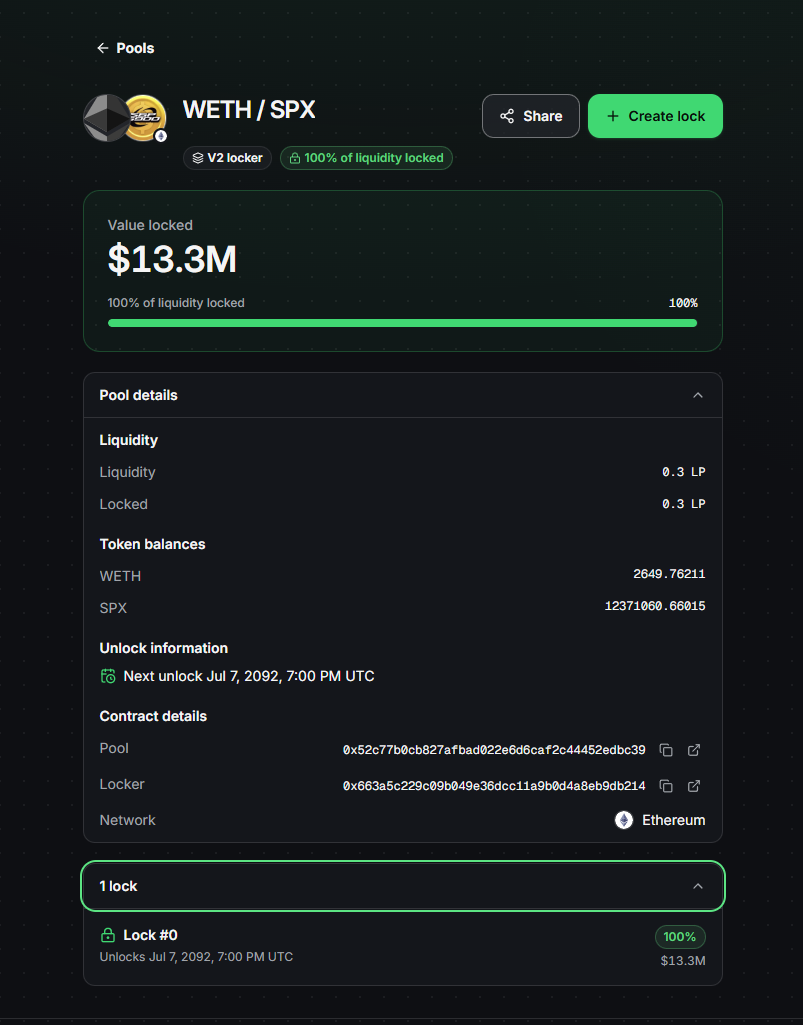
You will be taken to the page of that pair. Here you will be able to browse all the details about the liquidity locks for that pair.