# Managing your launch
Manage a UNCX Stealth Launch by editing project details, adding liquidity, updating launch timing and activating or canceling a launch.
Source: https://docs.uncx.network/guides/for-projects/stealth-launch/managing-your-launch/
## Guide
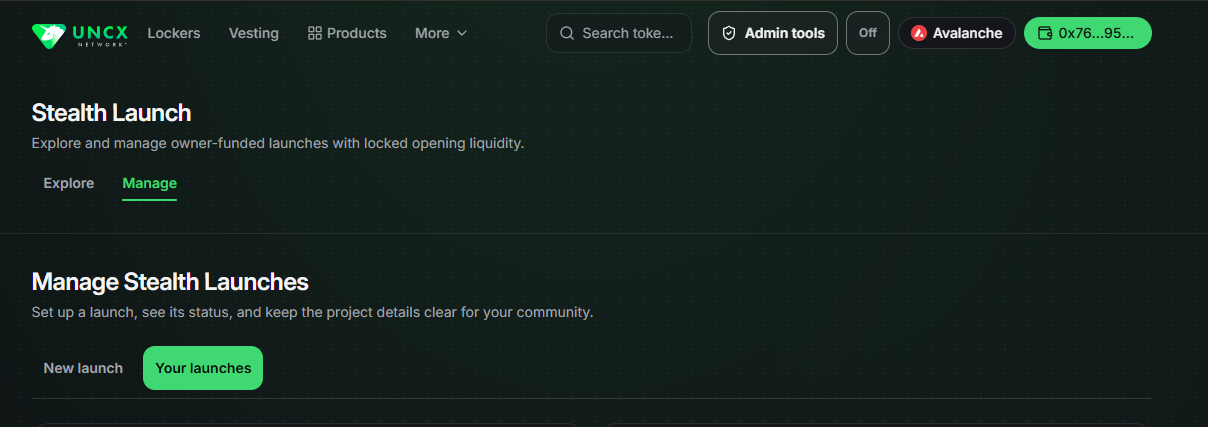
To manage your launch, select the "Manage" tab on our website.
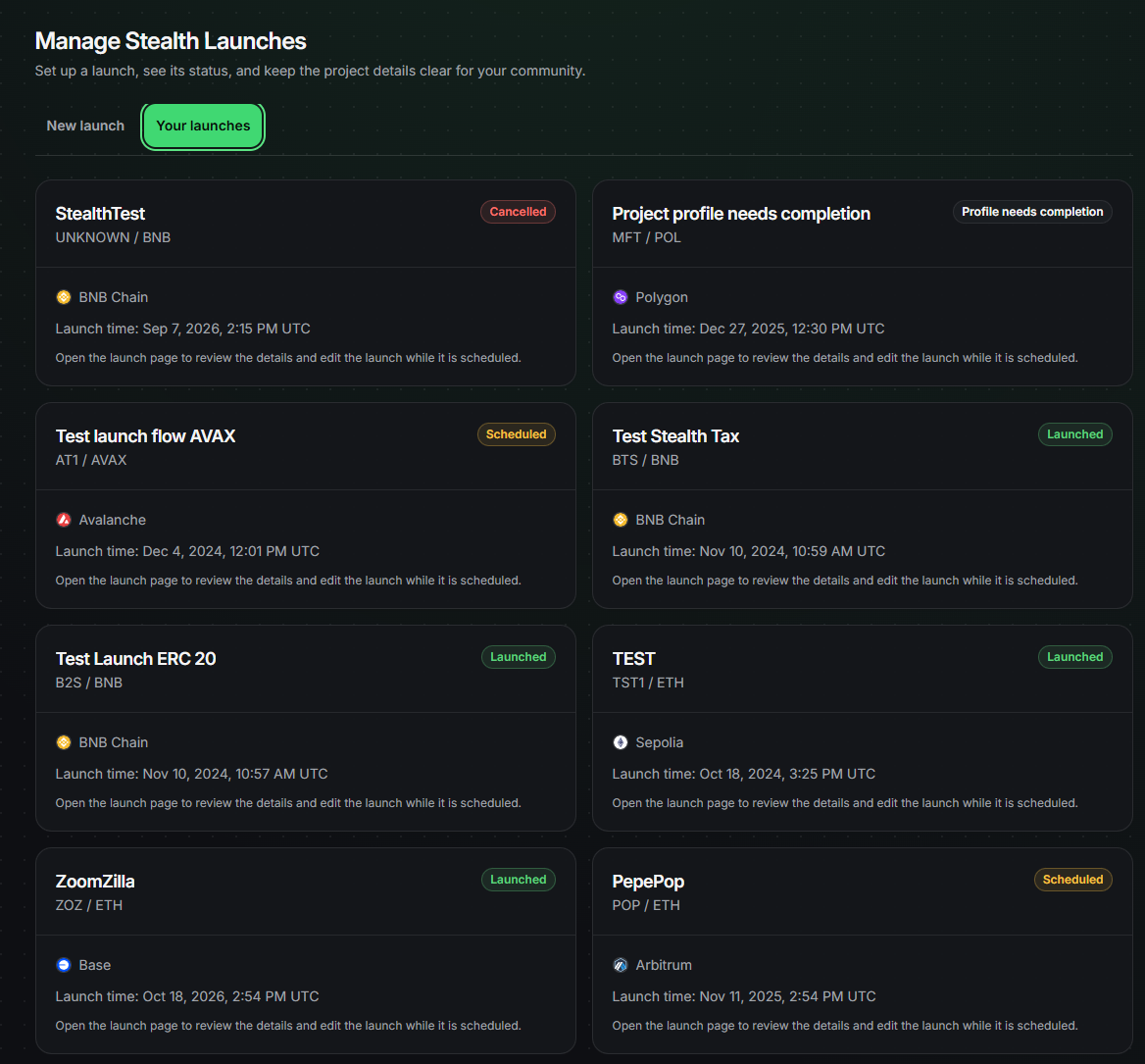
Here you can select "Your launches" tab and select the launch you want to edit.
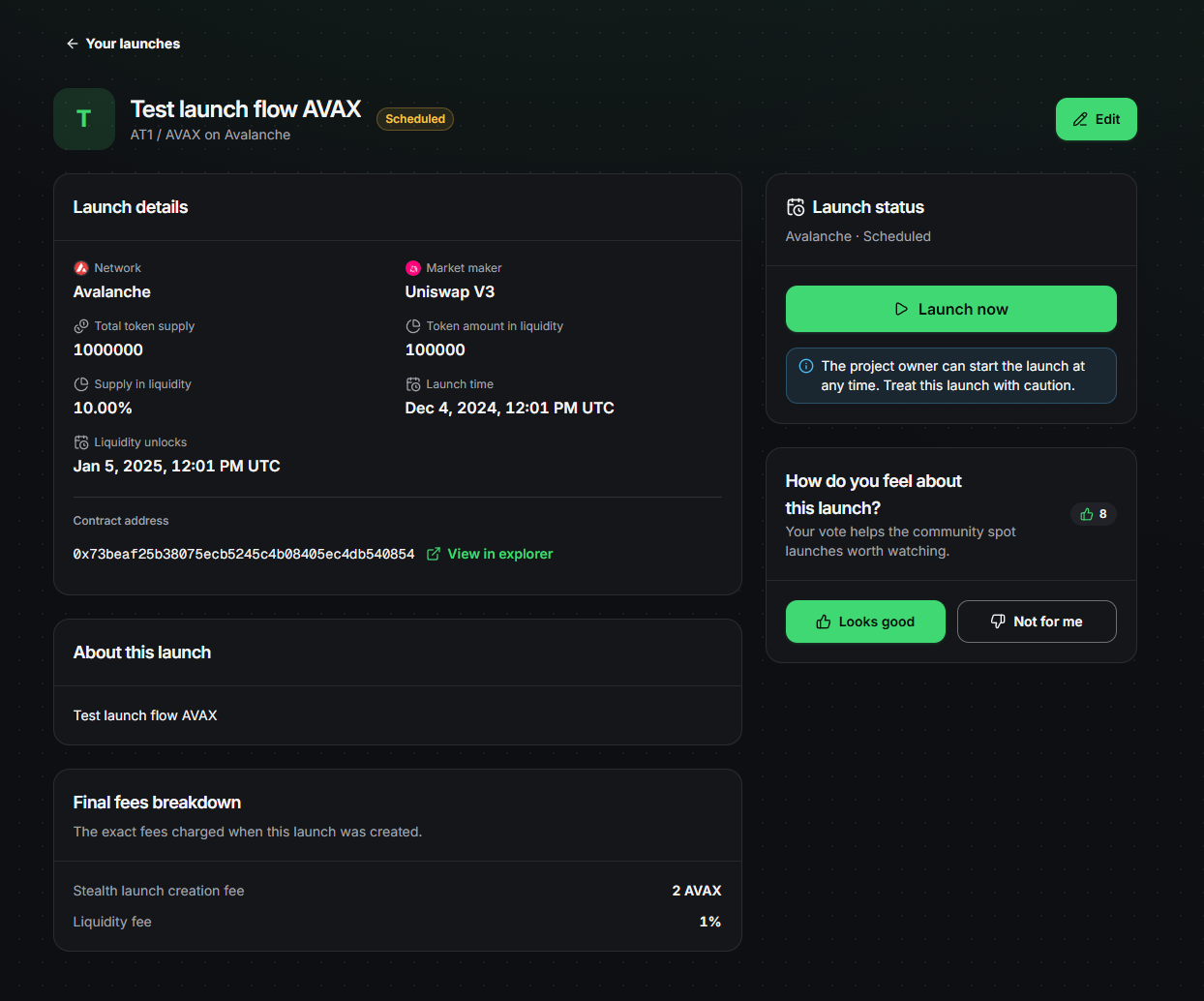
After selecting the launch, you will see all the details of your launch, as well as two buttons in the top right corner of the screen:
* **Edit** - allowing you to edit your launch and the project details
* **Like** - allowing you to leave a like on your launch page
Let's select the "Edit" button.
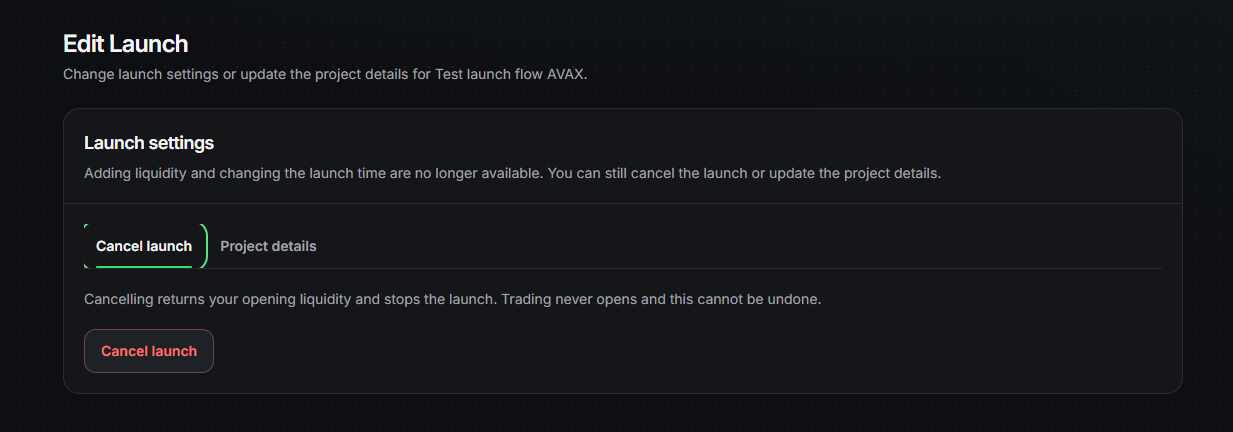
After selecting the edit button, you will be presented with two tabs:
* **Launch settings** - allowing you to add liquidity, update the launch time or active/cancel the launch
* **Project details** - allowing you to edit your project's details
In case of any doubts, don't hesitate to get in touch with the support team on our [Telegram](https://t.me/uncx_token).