# Edit your token
Explore UNCX Token Minter settings for multichain, ERC-404 and tax tokens, including metadata, networks, taxes and ownership options.
Source: https://docs.uncx.network/guides/for-projects/token-minter/edit-your-token/
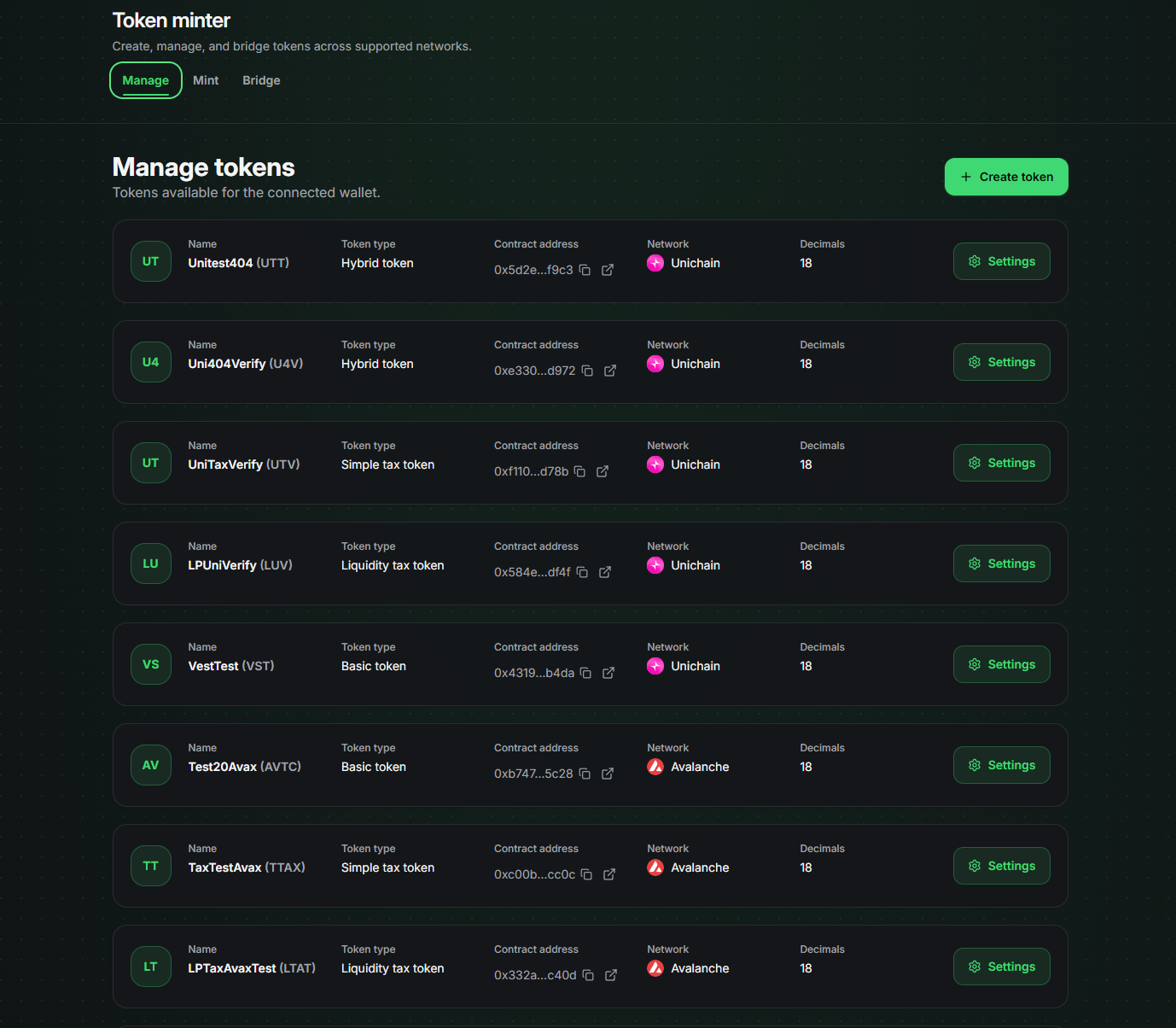
In order to edit one of your tokens, open [https://app.uncx.network/minter/manage](https://app.uncx.network/minter/manage). You will see a full list of all your tokens minted with our token minter. To edit one of them, select the "Settings" button, on the right side of the screen.
### Simple ERC-20 Token
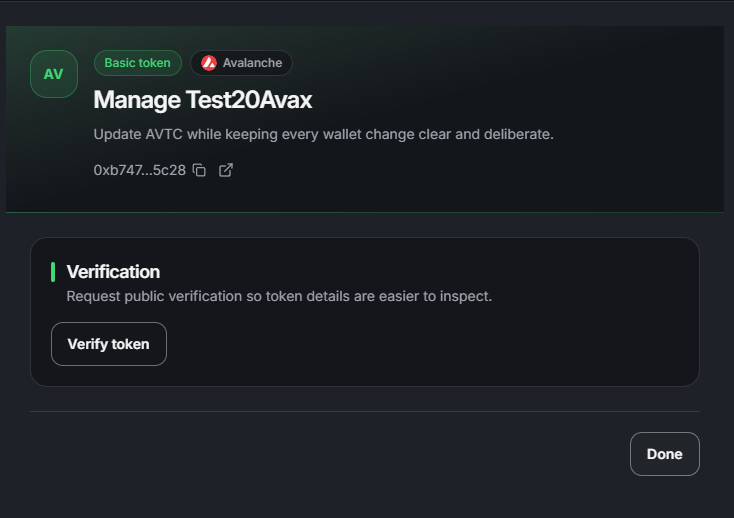
As the Simple ERC-20 Token does not have any special functions, there is nothing to edit. You can use this page to copy the token address or to verify the token contract.
### Multichain
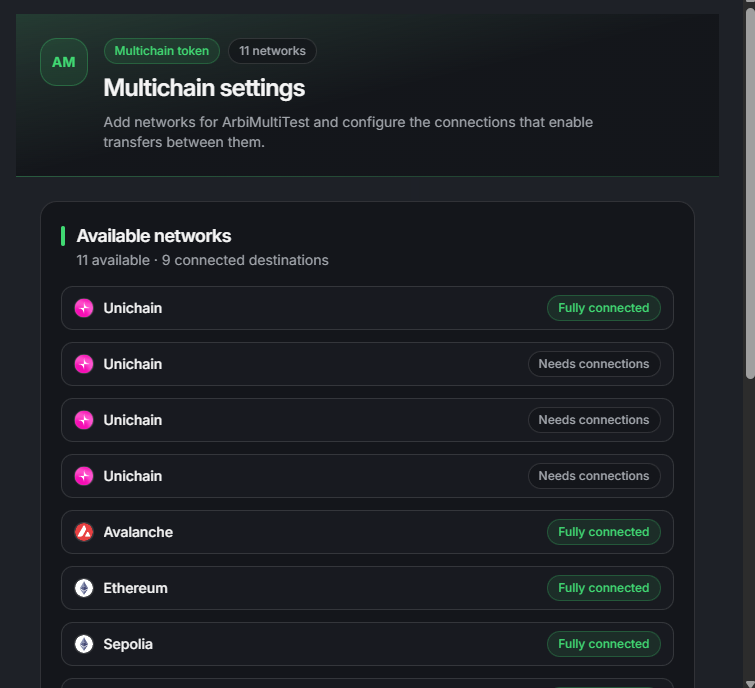
On the Hyperlane Token edit page you can:
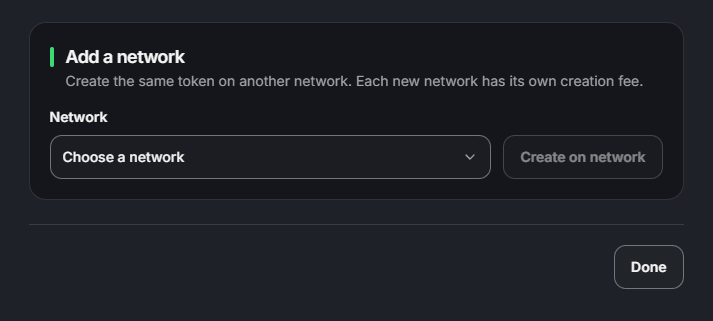
* Add networks to your token to enable multichain functionalities
* Configure the couplings (visible after selecting one of the available networks)
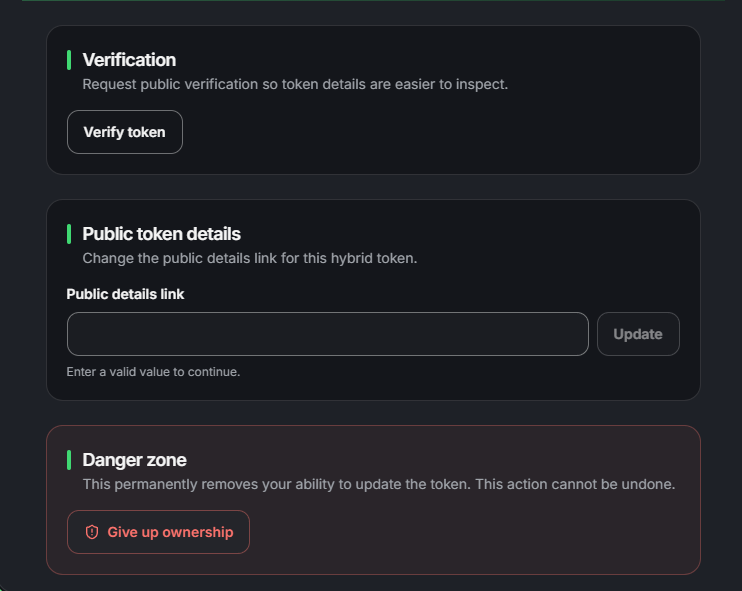
### ERC-404
On the ERC-404 edit page you can:
* Edit the Token URL (metadata link)
* Verify token contract
* Renounce contract ownership
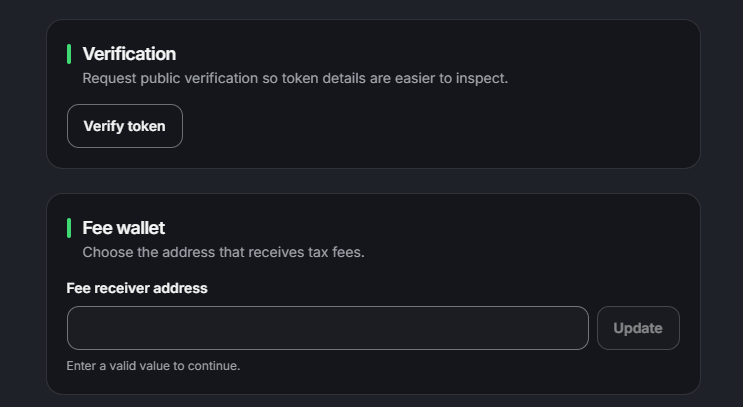
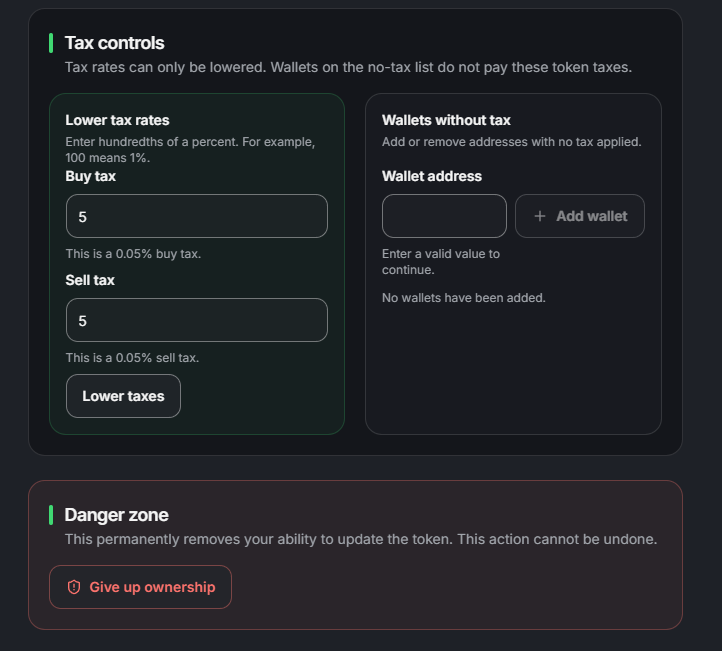
### Tax Token
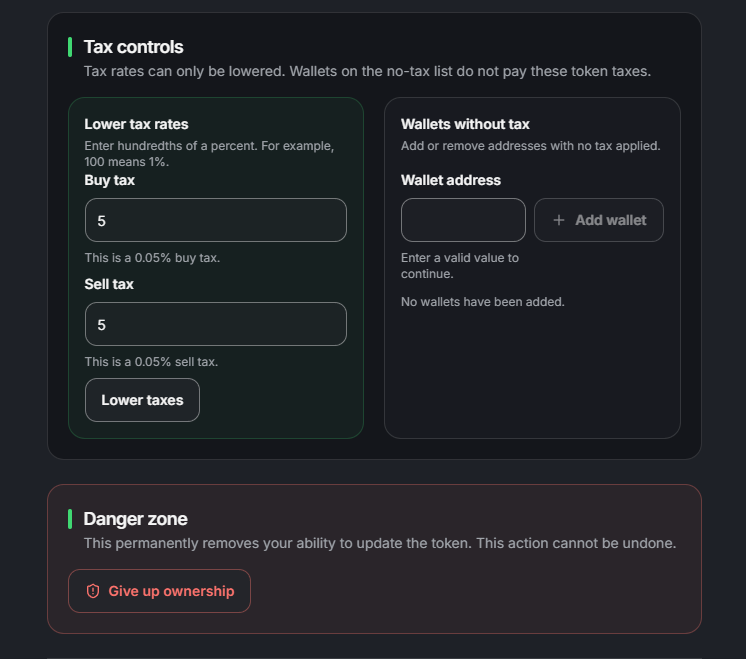
On the Tax Token edit page you can:
* Change the buy tax
* Change the sell tax
* Whitelist addresses from fees
* Change the fee receiver
* Verify token contract
* Renounce contract ownership
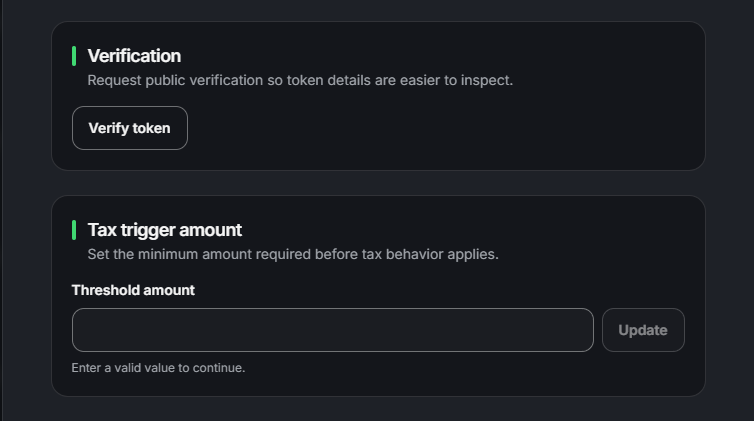
### LP Tax Token
On the LP Tax Token edit page you can:
* Change the buy tax
* Change the sell tax
* Change the tax threshold
* Whitelist addresses from fees
* Verify token contract
* Renounce contract ownership