# Verify your token
Learn how to request blockchain explorer verification from UNCX Token Minter settings if you skipped that step during token creation.
Source: https://docs.uncx.network/guides/for-projects/token-minter/verify-your-token/
### Guide
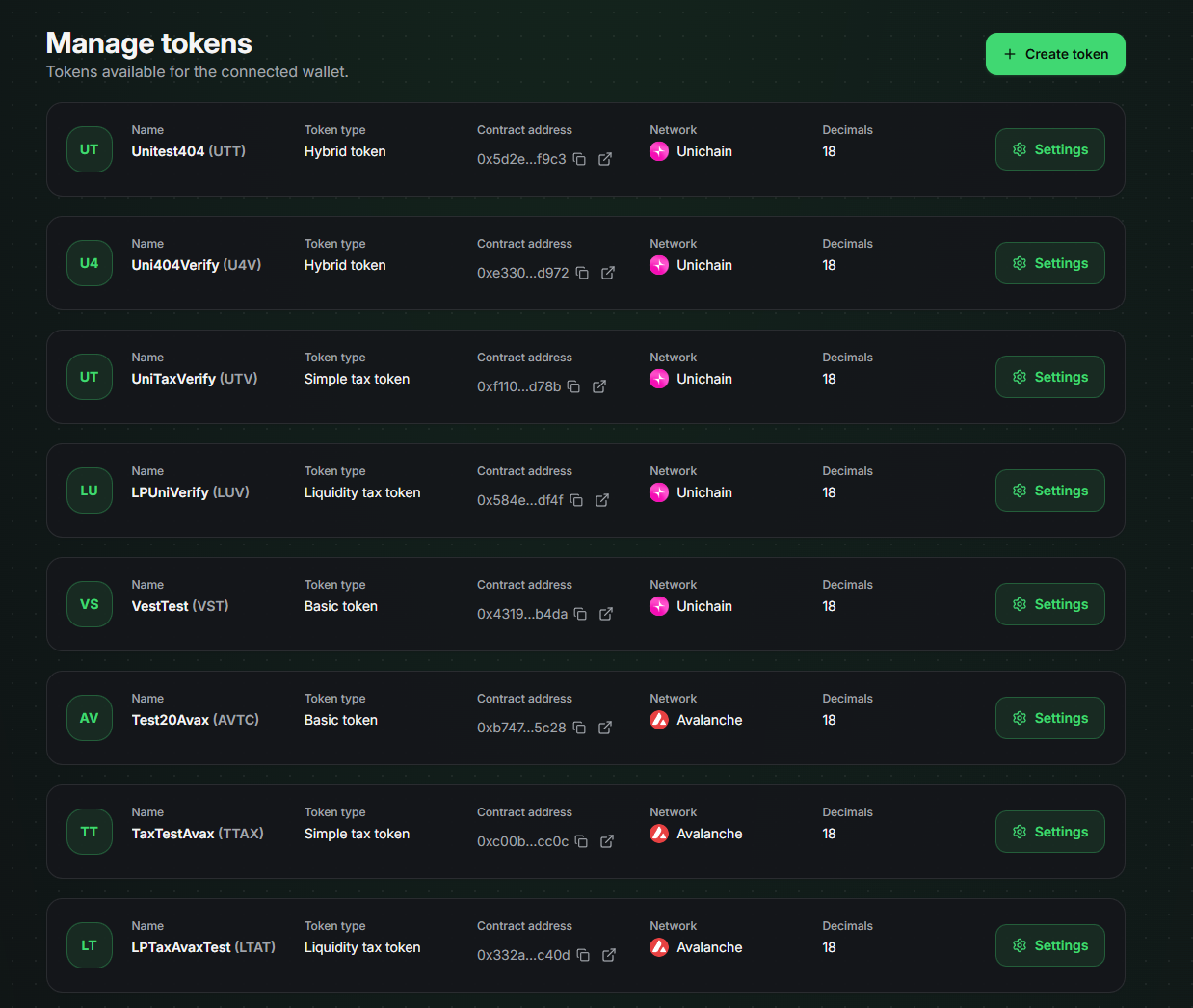
The last step of the minting process is verifying your token on a blockchain explorer. However, if you have skipped this step during the token creation by refreshing/closing the app, you can still do it from the settings.
Select the token you want to verify and select the "Settings" button.
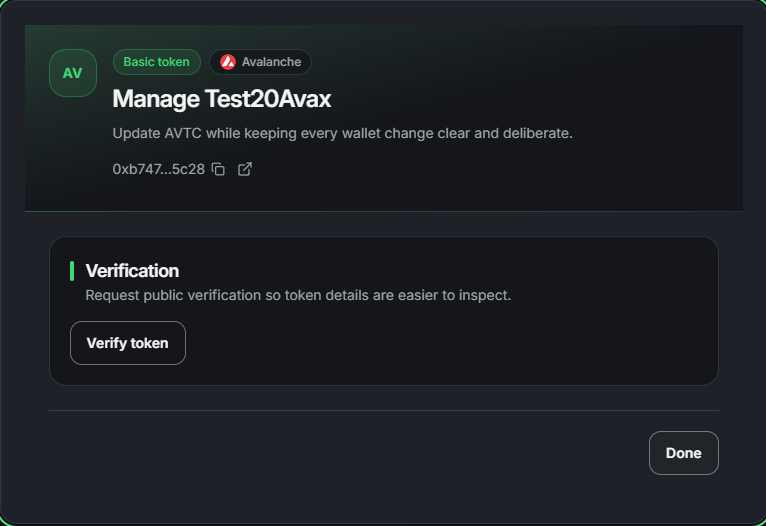
The menu below will open, select the "Verify Token" button. That's it!